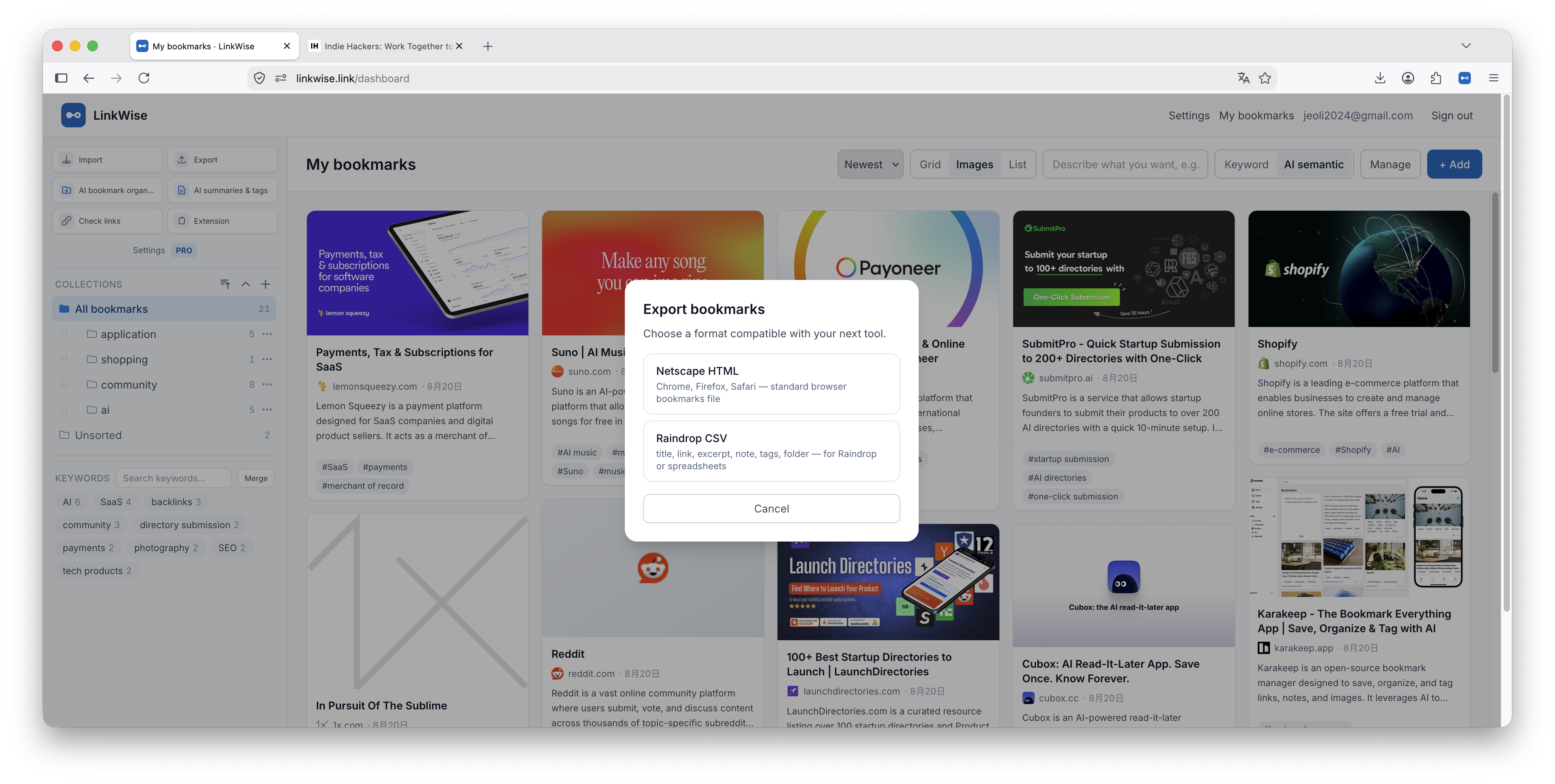
Bring existing bookmarks into LinkWise, or export your library for backup.
Import
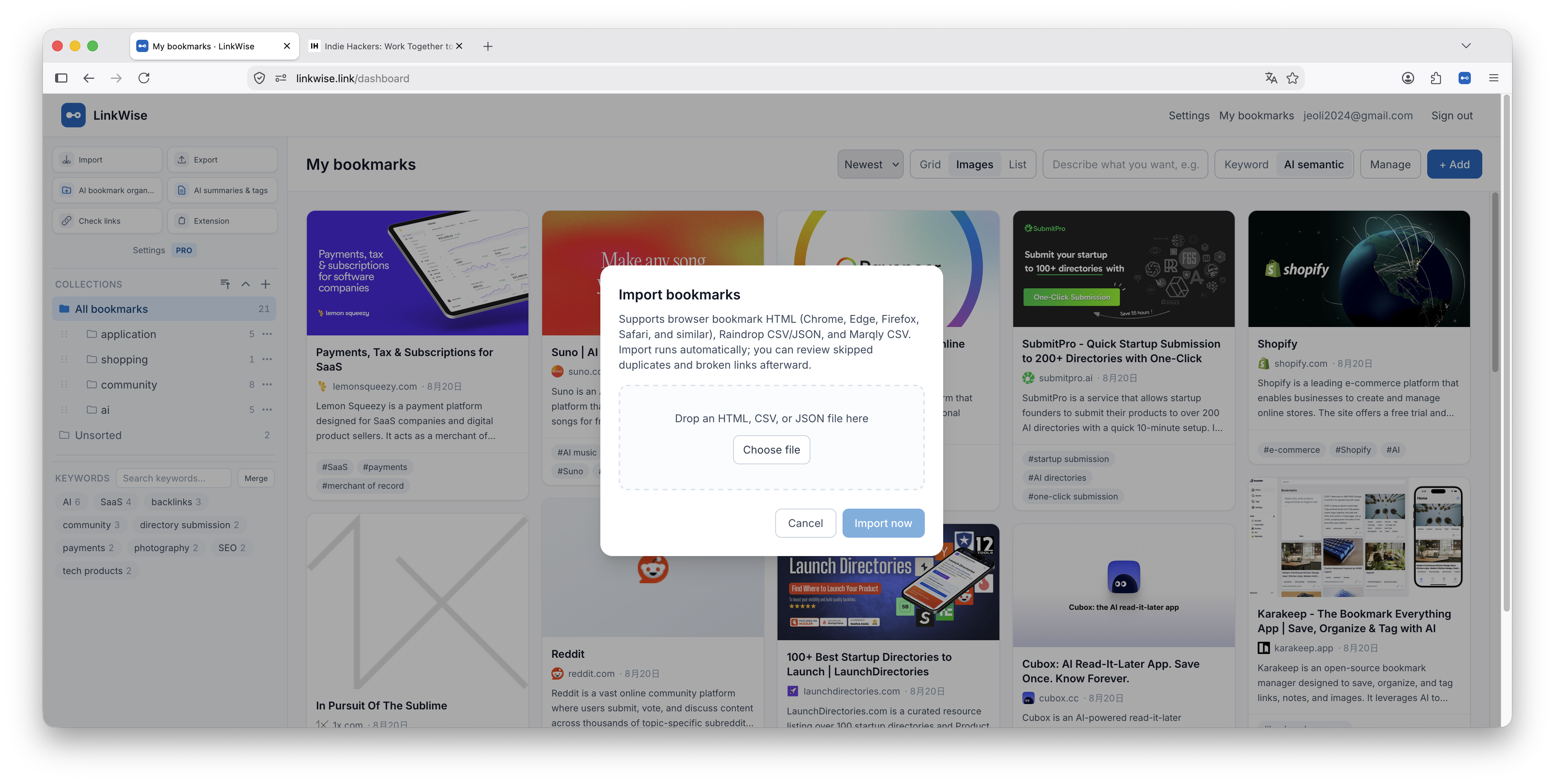
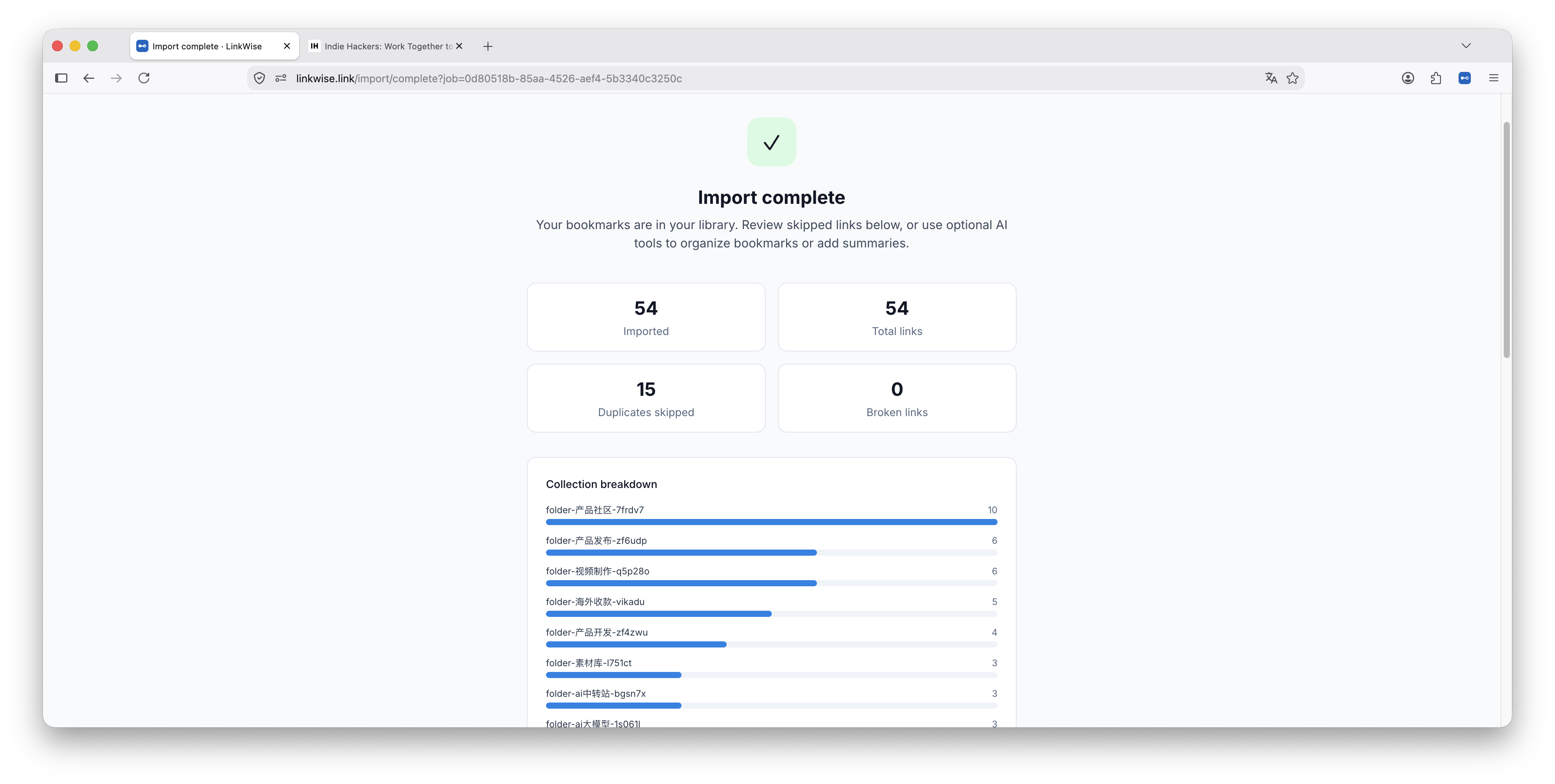
- In the dashboard sidebar, click Import.
- Upload a browser HTML export (e.g. Chrome) or Raindrop CSV when supported.
- Follow the review steps, then confirm the import.
Export
Use Export in the sidebar to download Netscape HTML or Raindrop-compatible CSV so you can leave anytime.