Blog
LinkWise vs Raindrop: collections vs a knowledge loop
Raindrop is a mature visual bookmark manager. LinkWise is for reuse after you save: readable sources, confirmed keywords, meaning search, cited Ask, and Markdown you can take to Obsidian.

The short answer
Stay with Raindrop if you already retrieve by collection, thumbnail, or a title you still remember. It is a strong, mature bookmark manager. Switching for its own sake is a bad trade.
Try LinkWise if the failure mode is reuse: you saved the page, the folder is full, and next month you remember the *idea*—not the exact words on the card.
LinkWise is not a Raindrop clone with extra AI. Raindrop organizes links. LinkWise turns saved public URLs into a small knowledge loop: capture → keep readable source → find → ask with citations → export.
A shorter decision page lives at Raindrop alternative. The how-to version is the Raindrop alternative guide. This note is the product comparison underneath both.
Two jobs, not two feature lists
Most “vs” pages pretend the winner is whoever has more checkmarks. That hides the real split.
Raindrop’s job is collection management: nested collections, visual browsing, a polished clipper, mobile apps, highlights, and a workflow people have trusted for years. If you think in boards and stacks, it is doing the right job.
LinkWise’s job is knowledge reuse from the open web. The unit of intake is still a bookmark. The product is what happens after: article text when the page allows it, timestamped YouTube transcripts when public captions exist, keywords you confirm, Pro search by meaning, Ask that cites passages you own, and Markdown you can leave with.
If your pain is “I cannot *see* my library,” Raindrop is usually the better product. If your pain is “I cannot *use* what I already saved,” the comparison starts to matter.
Where Raindrop is the better tool
Credit where it is due. We did not build LinkWise because Raindrop is weak. We built it because a different job was empty.
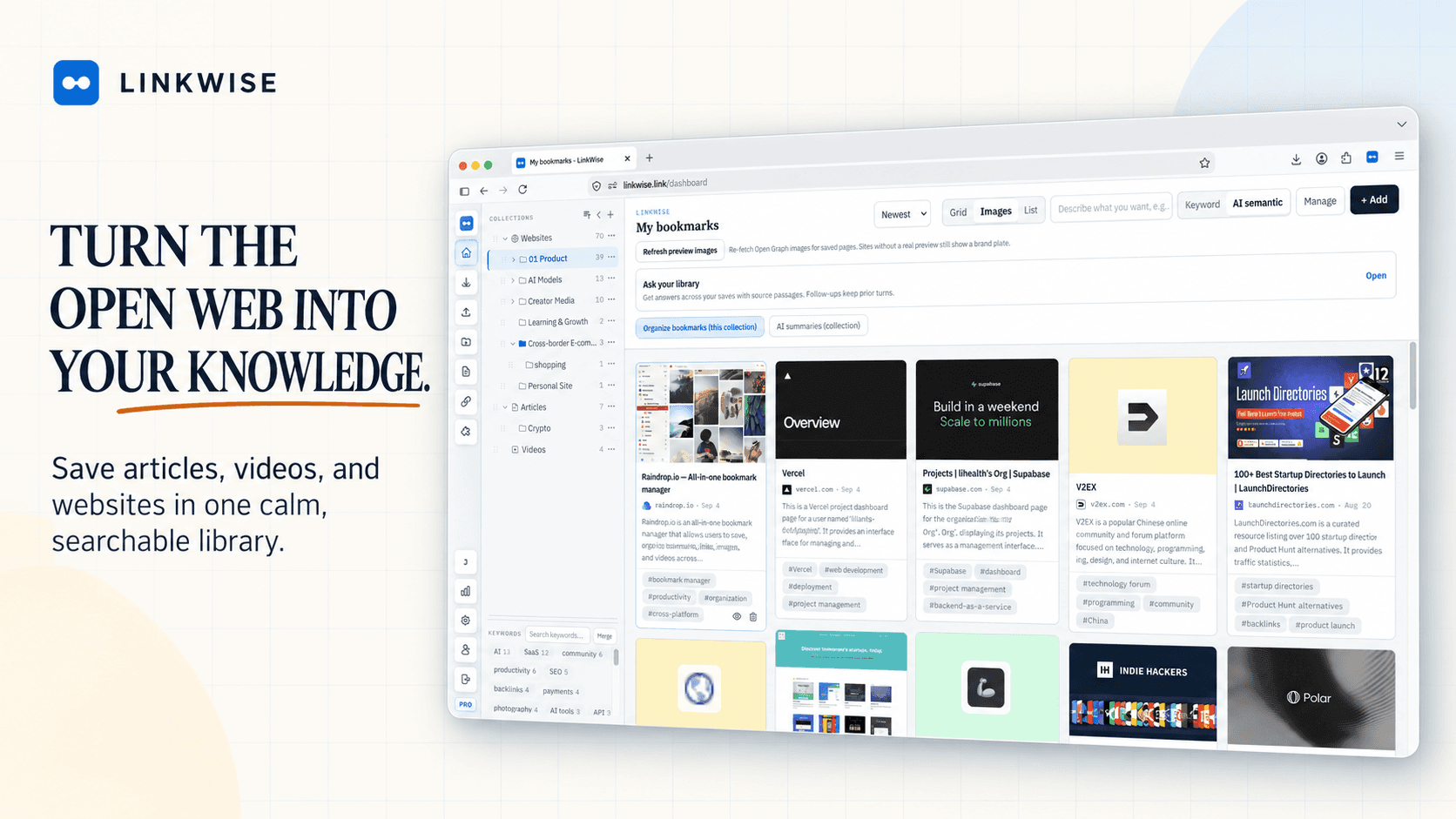
- Visual collections. Raindrop’s grid, covers, and nested collections are years ahead of a knowledge-base layout. If browsing by look is how you retrieve, stay.
- A finished bookmark ecosystem. Mobile apps, sharing/public collections, and a conventional clipper workflow are mature. LinkWise 1.0 has no native mobile app and is not a team workspace.
- Highlights-first reading. Raindrop is stronger if the core habit is clipping passages into collections rather than keeping a full article or transcript you can search later.
- Retrieval by place. When you already know “it’s in Design / 2025,” Raindrop’s structure is enough. You do not need semantic search to solve a problem you do not have.
Where LinkWise takes a different path
LinkWise treats a save as the start of a knowledge object, not the end of a to-do. Folders still exist; they are not the retrieval model we bet on.
- Readable source, not only a card. Articles keep body text when extraction works. YouTube with public captions becomes a timestamped transcript. Resource sites stay lightweight cards—we do not pretend every URL is an essay.
- Keywords you confirm. AI suggests tags; you keep the useful ones. Free keyword search runs on metadata you reviewed, not on silent automation.
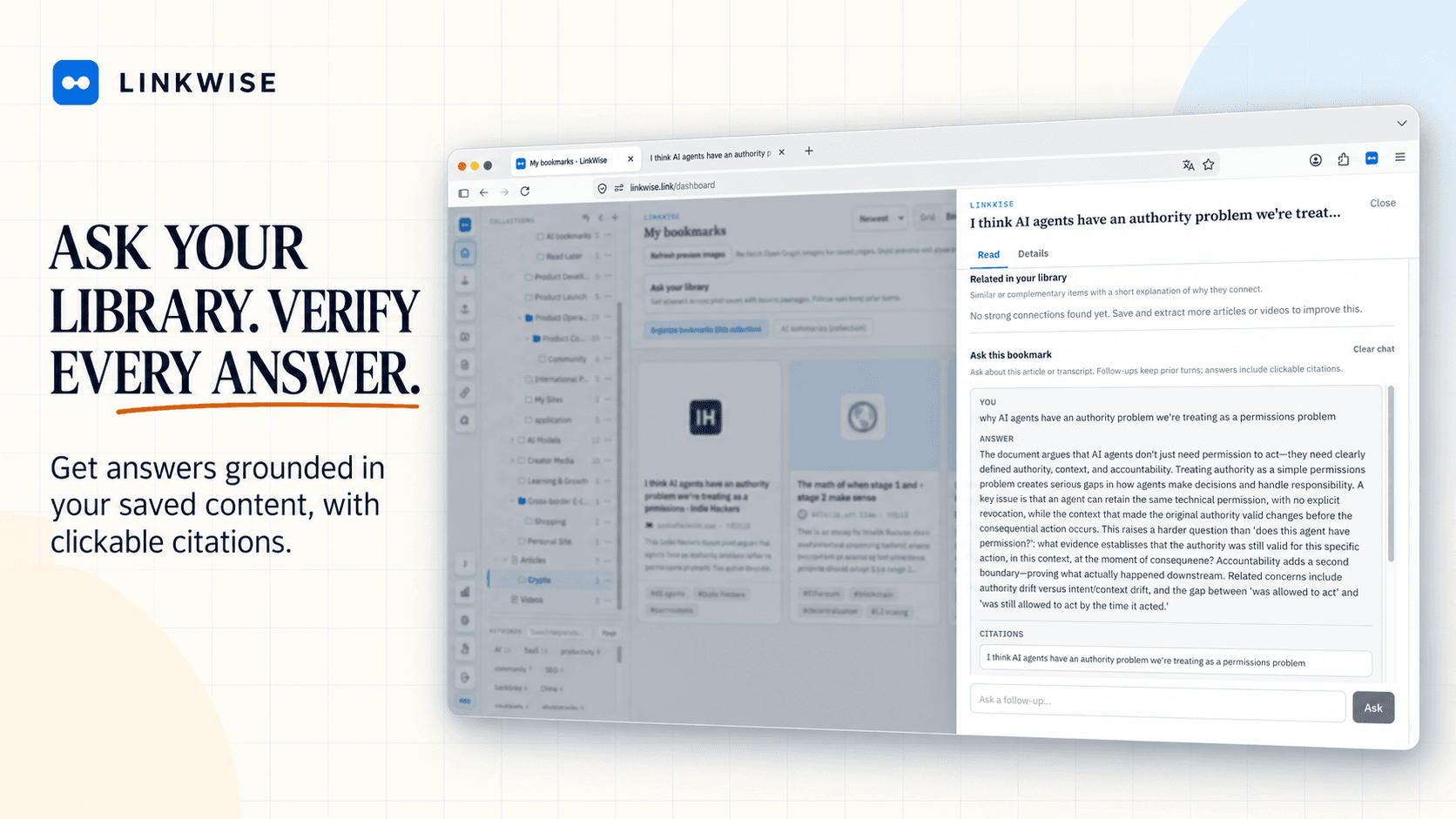
- Find by meaning, then ask. Free includes keyword search. Pro adds semantic search when the query and the title use different words, plus Ask with citations that jumps back to the passage.
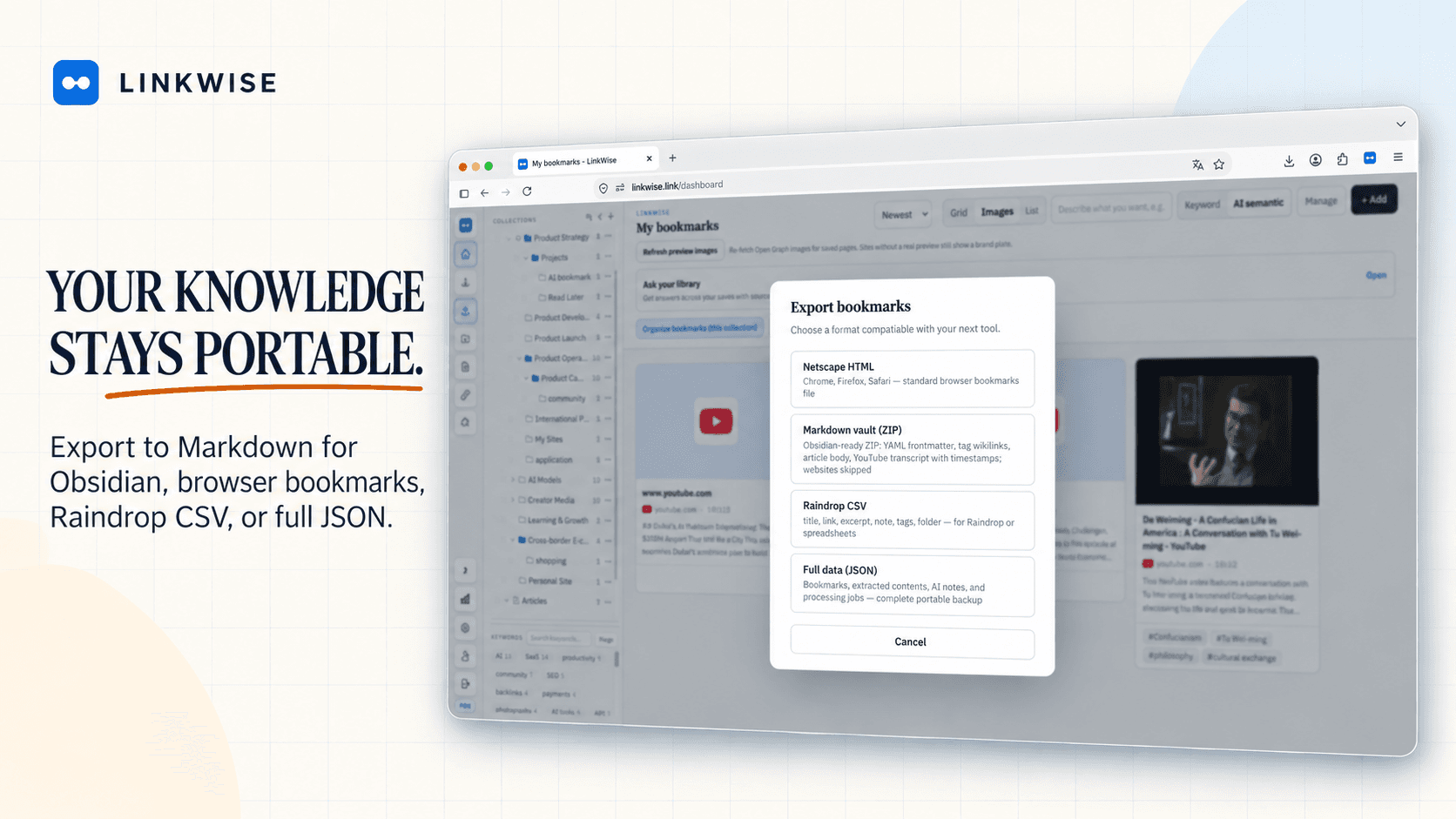
- Leave with files. Export HTML, CSV, JSON, and Obsidian-ready Markdown (source URL, `linkwise_id`, summaries, notes, transcripts). Bidirectional Obsidian sync is not in 1.0—export first.
A practical side-by-side
Use this as a filter, not a scorecard. Both products save URLs. They optimize different next steps.
- Intake: Raindrop — clipper + collections on many surfaces. LinkWise — browser extension and paste-a-URL, including an anonymous preview on /try.
- What is stored: Raindrop — link metadata, covers, optional caches/highlights in its model. LinkWise — title/domain plus readable article text or public-caption transcripts when available.
- Organization: Raindrop — nested collections and a visual library. LinkWise — collections plus confirmed keywords; folders are support, not the main retrieval bet.
- Search: Raindrop — strong in-library search for titles, tags, and collections you already understand. LinkWise — Free keyword search; Pro meaning search when you forgot the title.
- AI: Raindrop has added AI features around a bookmark manager. LinkWise puts AI on the knowledge loop (summary, tags, semantic find, cited Ask) and keeps Free honest: unlimited saves, 10 AI summaries/tags per month, limited public YouTube caption minutes.
- YouTube: Raindrop saves the video link well. LinkWise turns public captions into searchable, citable notes—and stays honest when captions are missing.
- Export / destination: Raindrop export is solid for staying in a bookmark world. LinkWise Markdown is built for Obsidian and any vault that reads files. We are a middle layer, not a second brain for every local file.
- Platforms: Raindrop wins on mobile and years of polish. LinkWise 1.0 is web + Chrome / Edge / Firefox.
The confusion to avoid
“AI bookmark manager” is a noisy category. Auto-tags and a chat box on top of the same URL pile do not change the job. If you still retrieve by scrolling a grid, you still have a collection app.
LinkWise also refuses the opposite trap: becoming a generic AI vault. Every item should start as a public URL you chose to save—not an unbounded chat corpus. That is why we compare honestly with Recall-style products on Recall alternative as well.
We also do not claim every page extracts perfectly. Paywalls, bot walls, and JavaScript shells fail in public. Failures should stay visible and retryable—not look “saved” when you only got an empty card.
Who should not switch
If Raindrop collections already get you back to the right link in seconds, keep it. Parallel tools have a cost.
If you need native iOS/Android as a daily driver, LinkWise is not there yet. If you need nested visual boards as the product, we will look unfinished next to Raindrop. If you need PDF/email/local-file vaults, that is a different category.
How to test without migrating
Do not move a whole library from a blog post. Keep Raindrop. Run a small parallel test in LinkWise.
- Pick eight to ten real URLs: a vague-title article, a reference doc, a tool homepage, a YouTube video with public captions, and something you will need next week.
- Preview one on /try, then save the set with the extension.
- Confirm suggested keywords instead of accepting every tag.
- Search with the words you would actually type a month from now—not the page title.
- On Pro, ask a question that should cite two saves. If the citations are wrong, the product is not fit yet.
- Export Markdown once and open it in Obsidian. If the file is not a note you would keep, do not migrate.
Pricing, plainly
LinkWise Free: unlimited bookmarks, keyword search, import/export, 10 AI summaries and tags per month, and a limited monthly allowance of public YouTube captions. See exact numbers on pricing.
Pro is for unlimited AI processing, find-by-meaning, cited Ask, connections, unlimited public captions, and custom Obsidian templates. Raindrop’s own Free/Pro split is different—compare current Raindrop plans on their site, not from a cached feature rumor.
Choose the job, then the tool
Raindrop is the right default for a visual bookmark library. LinkWise is the right experiment when the library is already large and reuse is the bottleneck.
If the test works, import browser HTML or a Raindrop export when you are ready, and keep the original backup. Setup steps stay in Docs. The SEO decision guide stays at Raindrop.io alternative.
The goal is not to win a category war. It is to shorten the time between “I know I saved this” and “here is the passage.”