Who it's for
Keep the open web next to the draft—without dumping every tab into notes.
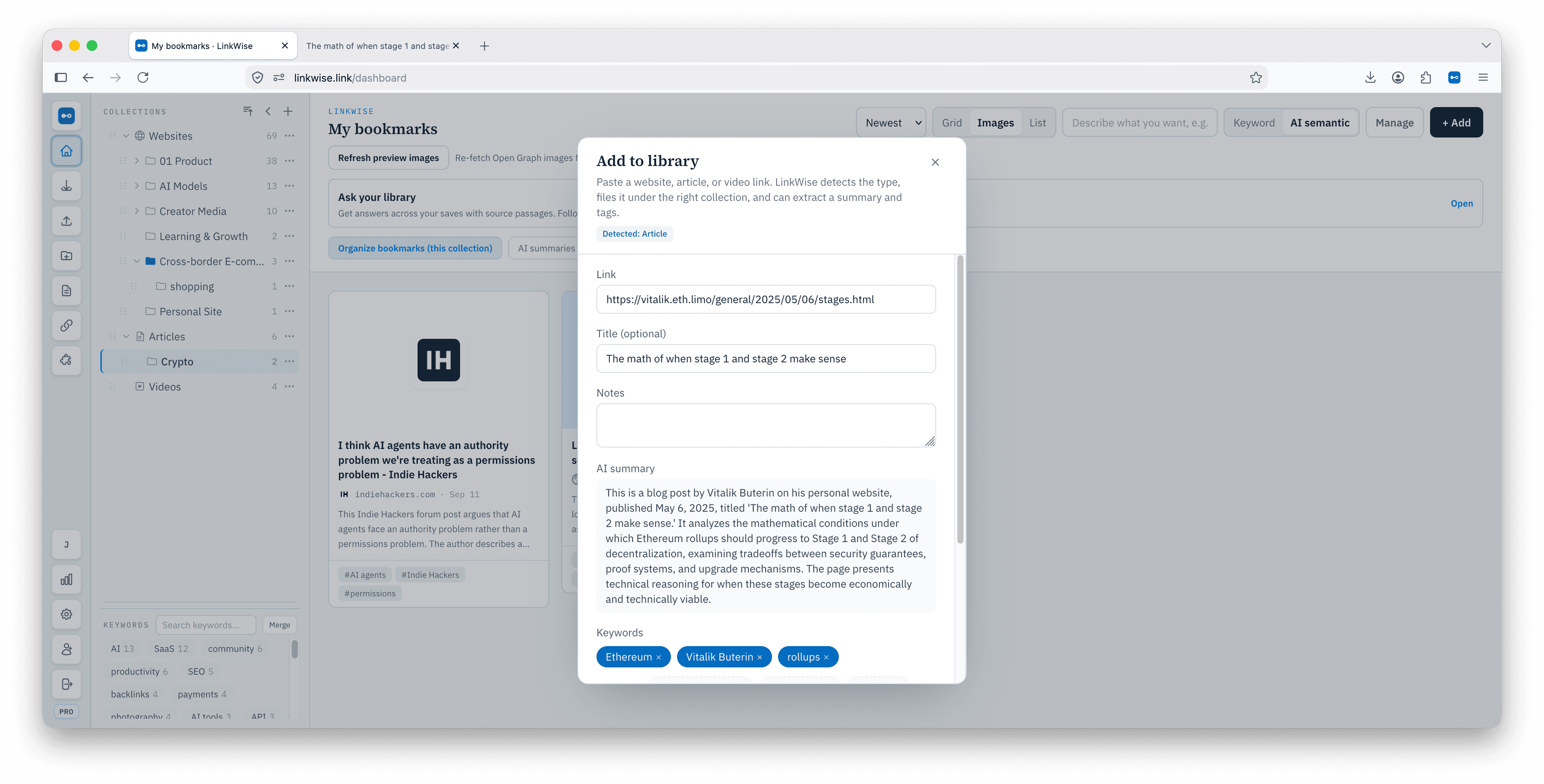
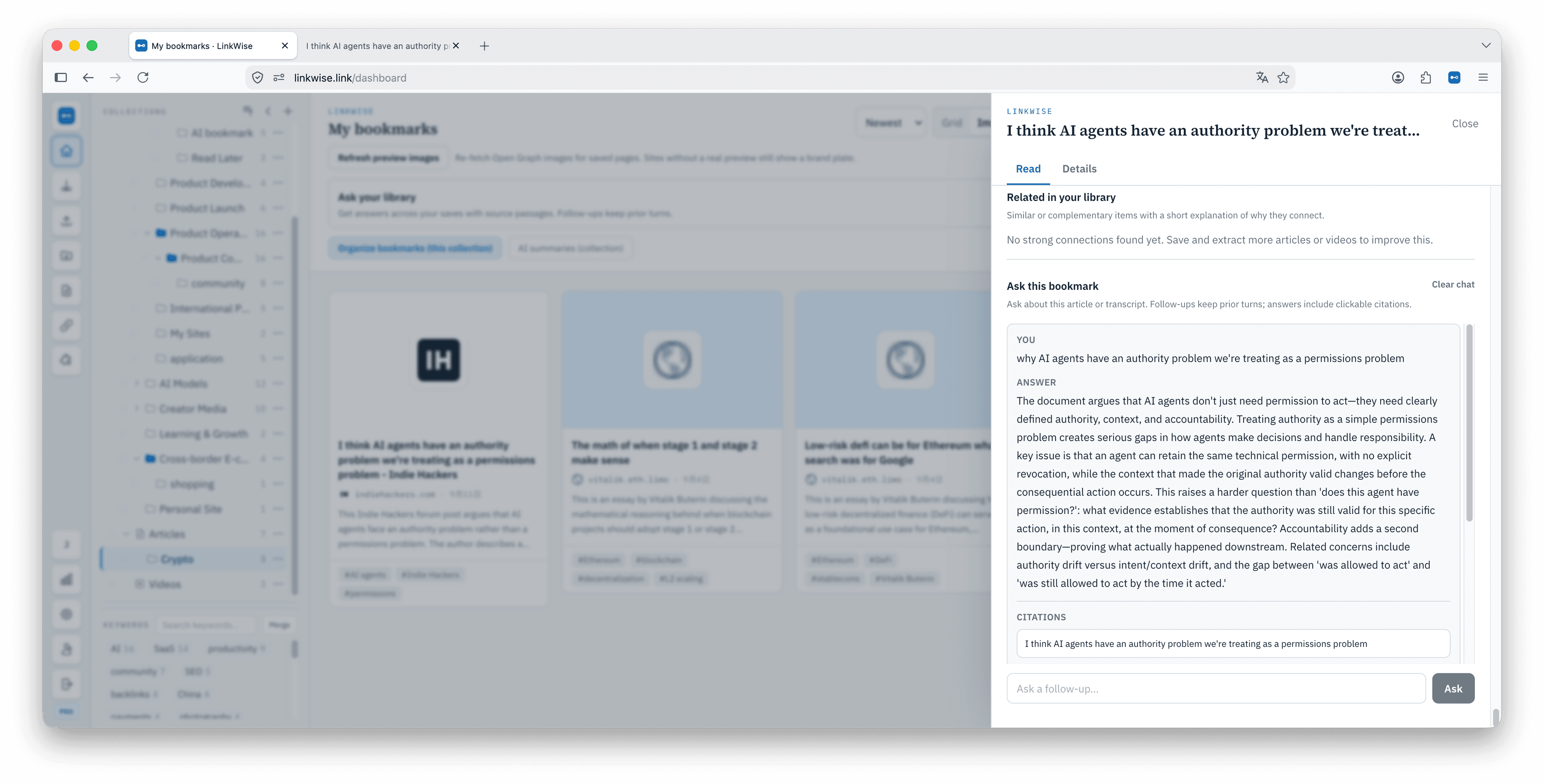
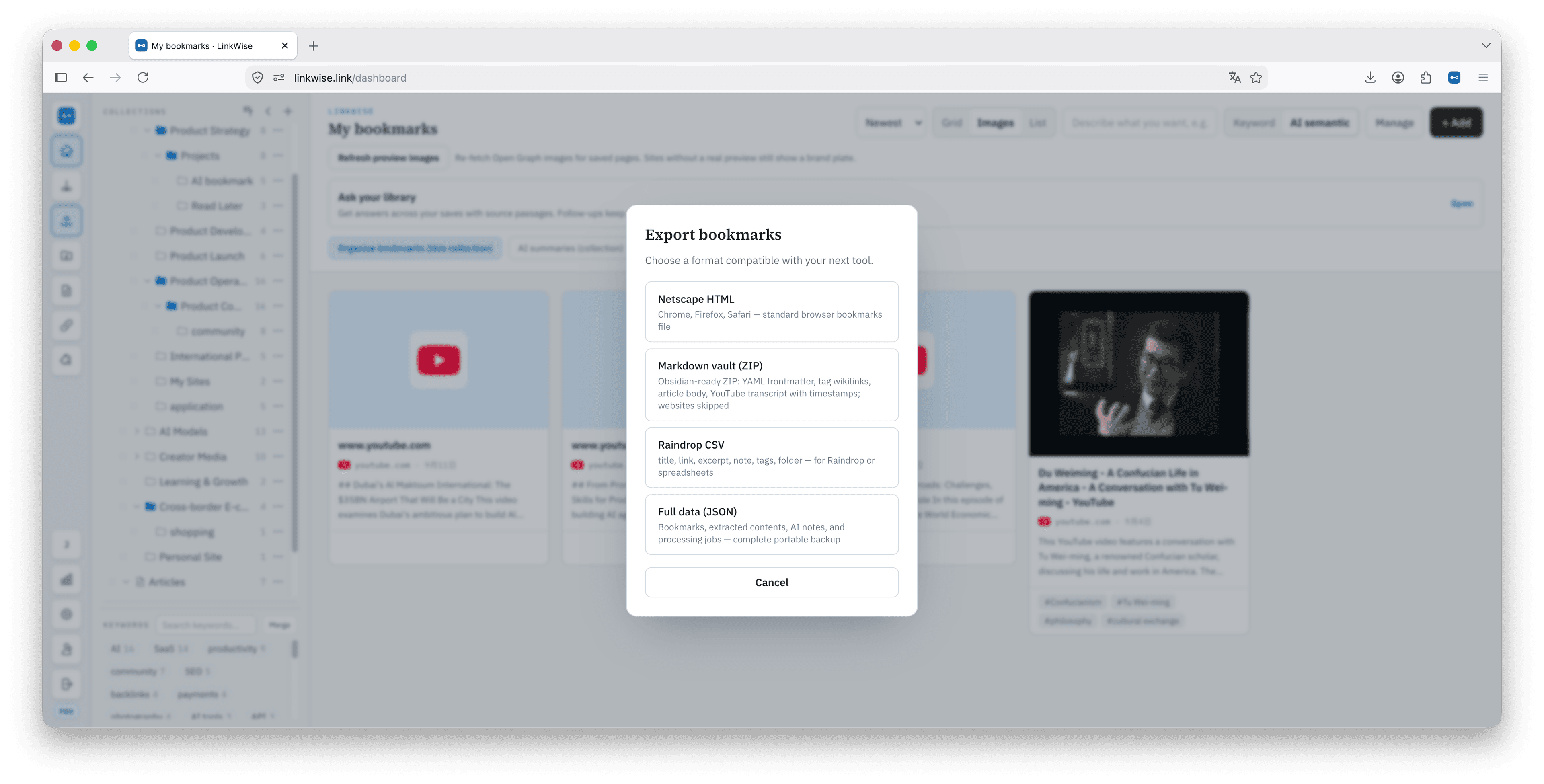
Writers save more than they cite. LinkWise is the holding library: readable sources, keywords you confirm, Ask that points at a passage, then Markdown export when a source earns a place in the vault.
Not a writing app · export when the source is worth keeping
Research tabs → quotes you can defend
Capture widely. Promote narrowly. Cite only what you can reopen.
01
Save while reporting
One click from the article or video you might quote.
02
Tag the angle
Confirm two or three keywords you would search while drafting.
03
Retrieve the line
Keyword search is Free. Pro Ask should land on a cited span.
04
Move keepers
Export Markdown into Obsidian; leave the rest in the library.
Evidence, not another outline tool
The draft stays in your editor. LinkWise stores the web you drew from.
Stay in Notion or Docs for the manuscript
If you need a visual clipper and nested boards, Raindrop or Marqly may fit collecting. If you need chat over mixed personal files, that is a vault product. LinkWise is for URL-first evidence.
- Fits: longform, newsletters, and posts built from many public URLs.
- Fits: checking a paraphrase against the saved text.
- Not for: collaborative drafting, grammar, or blocking a novel.
Paste a URL you would actually quote.
If the preview cannot show a usable snippet, do not expect magic after signup.