YouTube → knowledge
Save YouTube videos as searchable transcripts.
When a video has public captions, LinkWise turns it into a timestamped transcript you can search, ask with citations, and export—alongside your saved articles.
Public captions required · no signup for the /try preview
From watch page to reusable notes
A focused path for video saves inside the same bookmark knowledge base.
01
Save
Paste a YouTube URL on /try or save with the extension while you watch.
02
Transcript
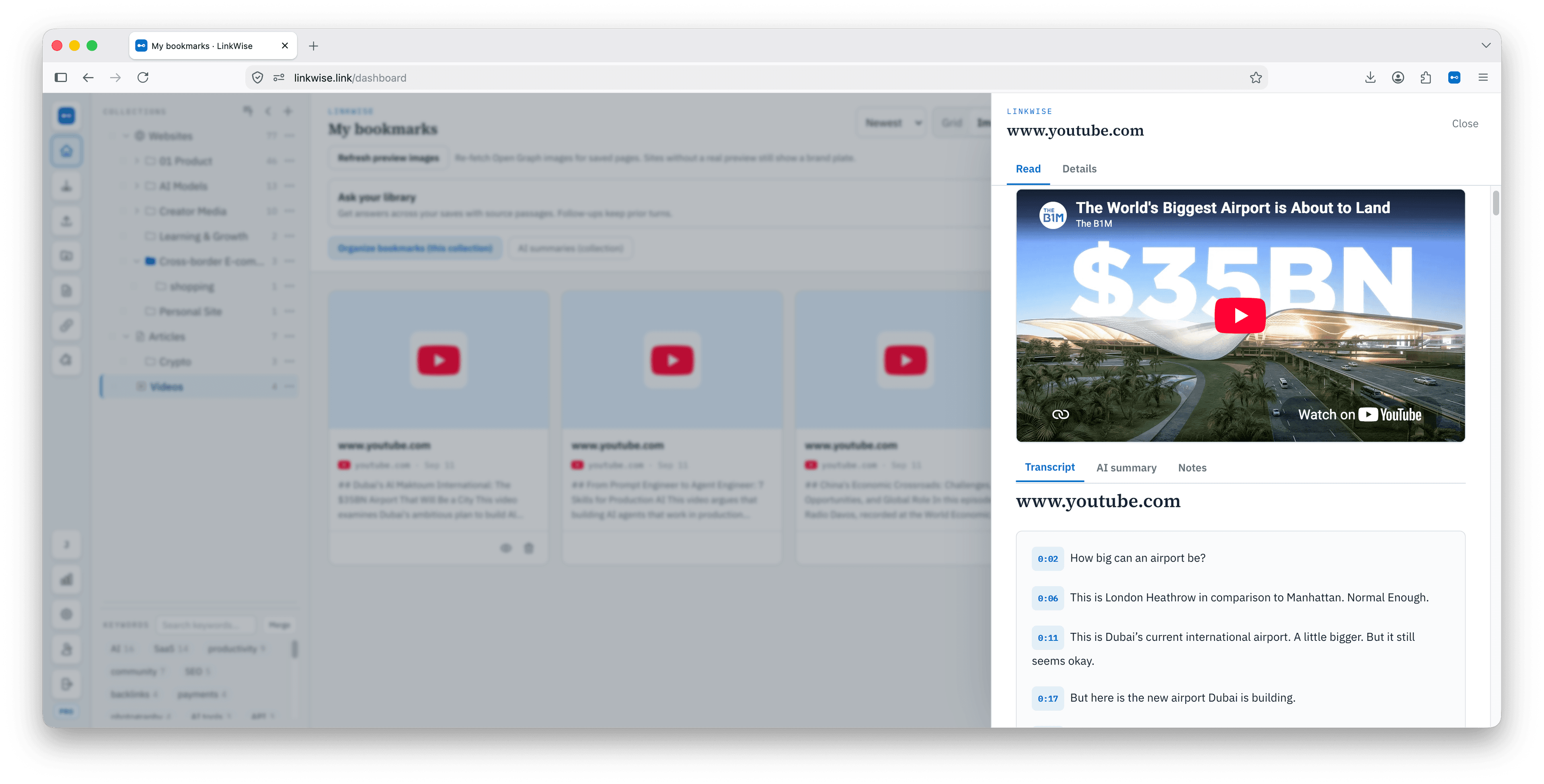
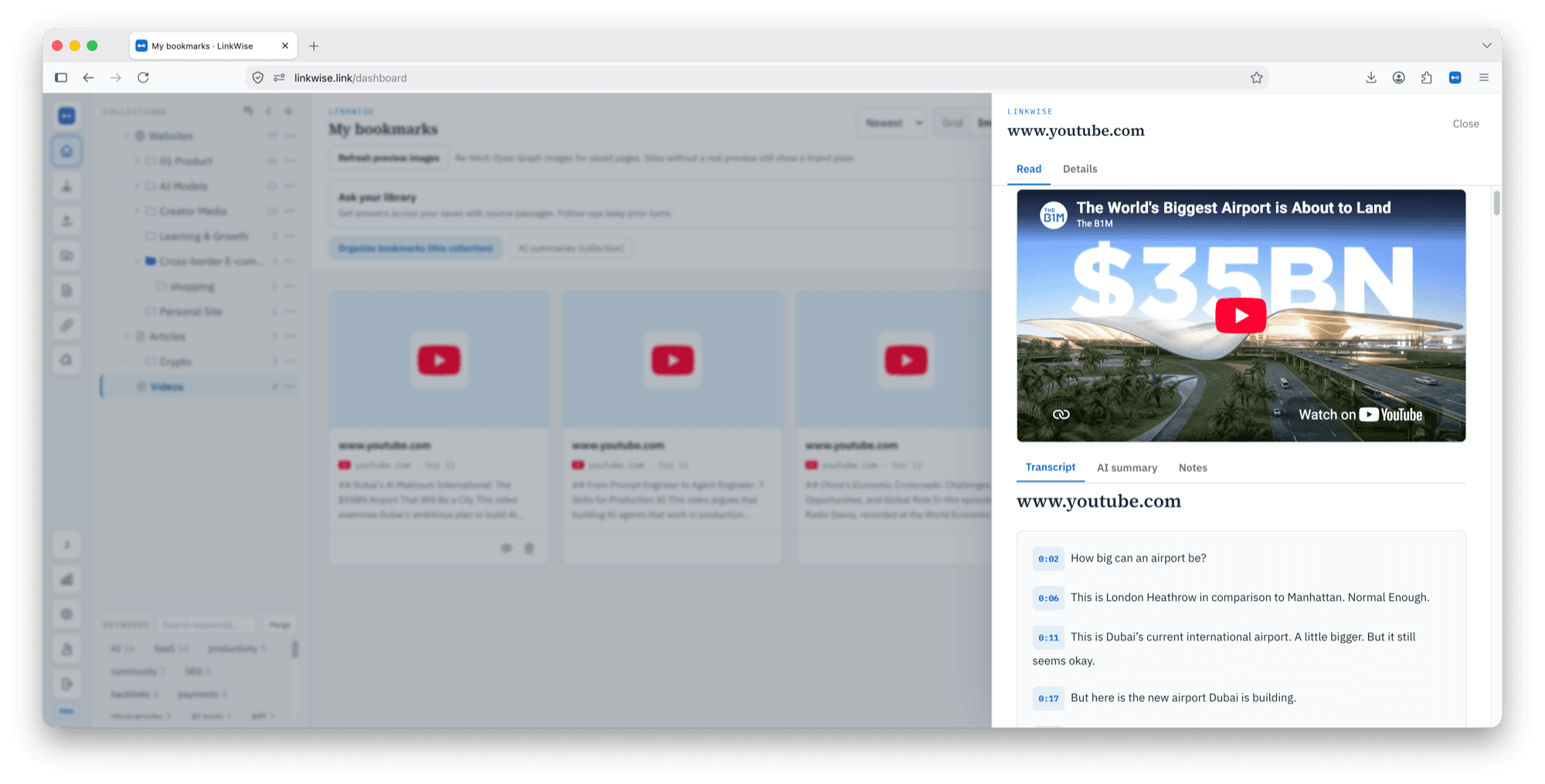
Public captions become a searchable, timestamped transcript.
03
Ask
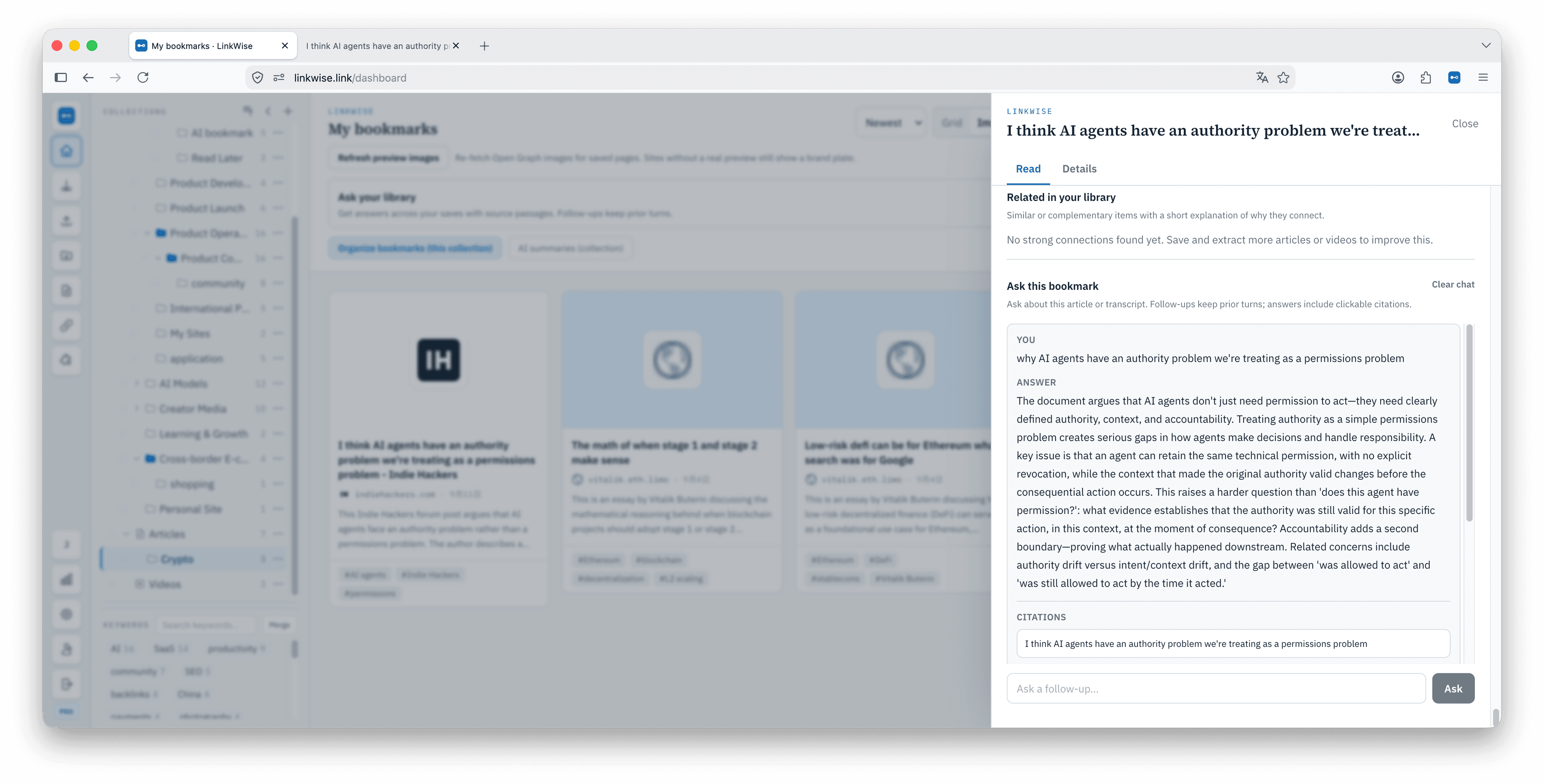
Ask questions that jump back to the supporting moment.
04
Export
Include transcripts in Obsidian Markdown when you leave.
Evidence from the product
Real LinkWise YouTube reading and Ask UI.
What this is—and is not
LinkWise is not a YouTube downloader or offline video archive. It is a knowledge path for tutorials and talks you want to reuse later.
- Works when public captions are available; blocked or caption-less videos stay as link cards.
- Transcripts sit next to article saves in one library—not a separate video app.
- Pro unlocks unlimited public-caption processing and cited Ask across your library.
Paste one YouTube URL.
See whether the transcript preview helps—then keep it in a free library.