Folders (collections) group bookmarks by project or topic. You can nest folders and move bookmarks between them.
Browse and create
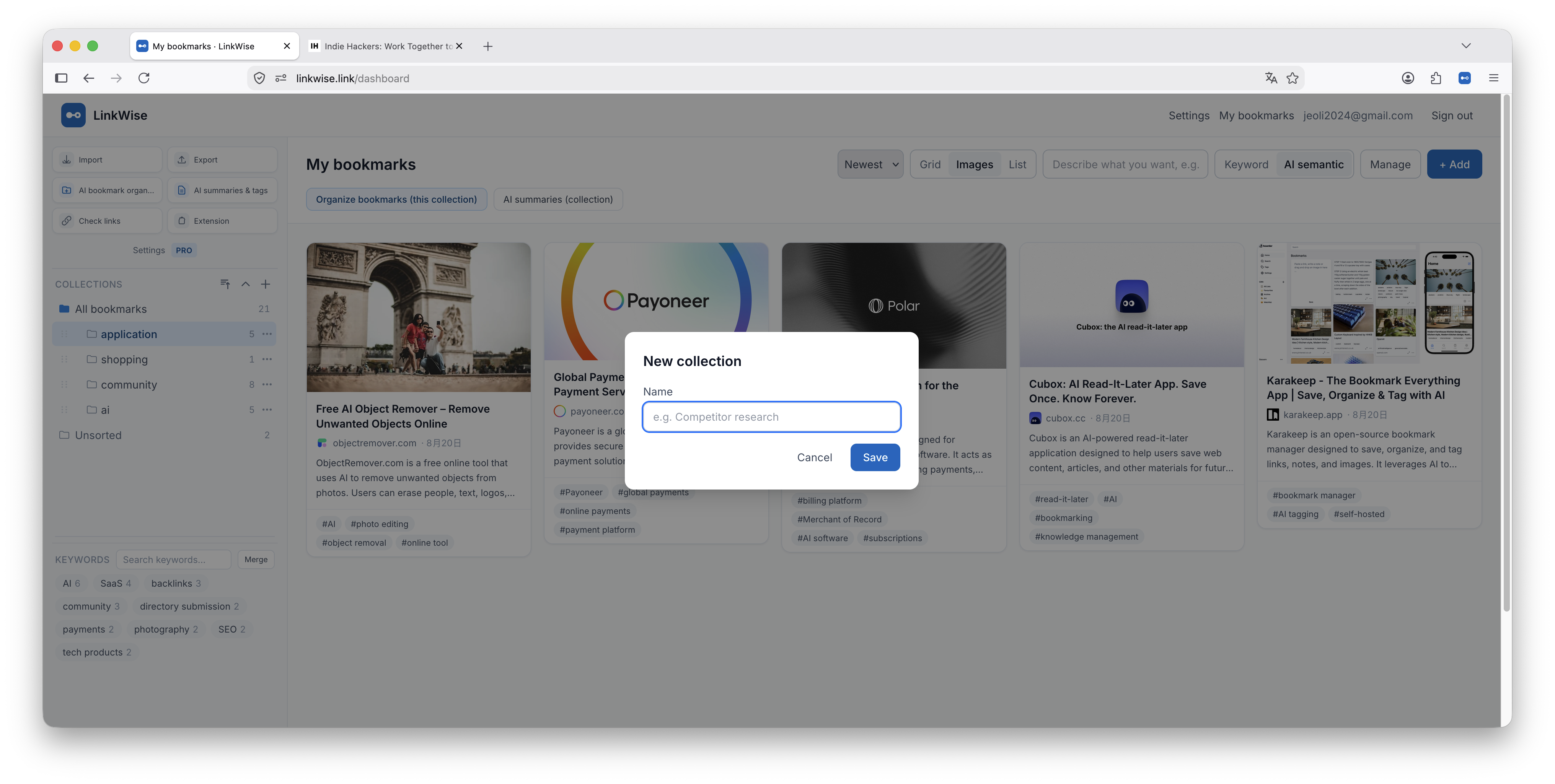
- Open the Collections list in the left sidebar.
- Select All bookmarks or a folder to filter the grid.
- Create a folder from the sidebar controls.
Move bookmarks
Drag a card onto a folder, or use Manage / move actions when editing. Prefer a light folder tree—keywords carry most of the “find later” work.