LinkWise keeps your knowledge portable. Export one article or video as Markdown, or download a ZIP that follows your library folders and can be opened as an Obsidian vault.
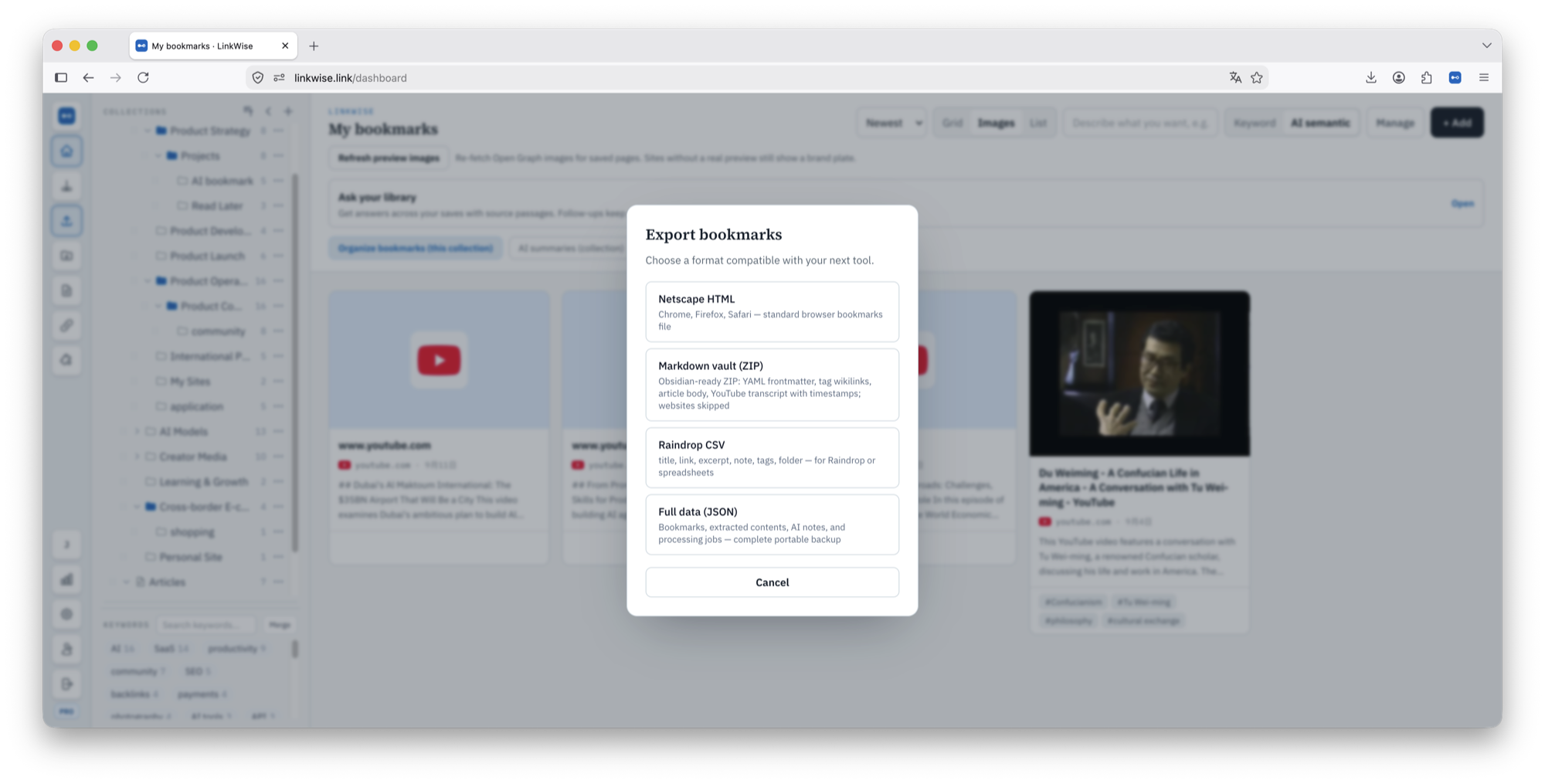
What the ZIP contains
Each article or video becomes one Markdown note. Website resource cards are skipped; export HTML, CSV, or JSON when you need every saved URL.
- YAML fields can include title, source, author, published, saved, tags, type, and linkwise_id.
- Article notes can include Original, Translation, AI summary, and Notes.
- Video notes can include timestamped Transcript, Translation, AI summary, and Notes.
- Tags/ contains lightweight tag notes; EXPORT_REPORT.md records skipped or incomplete content.
Stable identity and re-export
The default filename includes the first eight characters of the item ID, and YAML includes linkwise_id. This avoids silent filename collisions and prepares notes for future incremental sync.
- A ZIP export does not merge changes into an existing vault automatically.
- Review conflicts before replacing files you edited in Obsidian.
- Pro can customize filename pattern, YAML fields, and section order in Settings → Preferences.
Future sync boundary
Automatic incremental LinkWise → Obsidian sync is planned after 1.0. It will update managed sections without silently overwriting user-owned writing; today, Markdown export is the supported path.